
Dedicated IP Setup Checklist for Cold Email: SPF, DKIM, DMARC, rDNS Done Right
Configure dedicated IP cold email infrastructure correctly with SPF, DKIM, DMARC, reverse DNS, MX records, testing steps, troubleshooting guidance, and Inframail’s automated DNS setup for scalable deliverability.
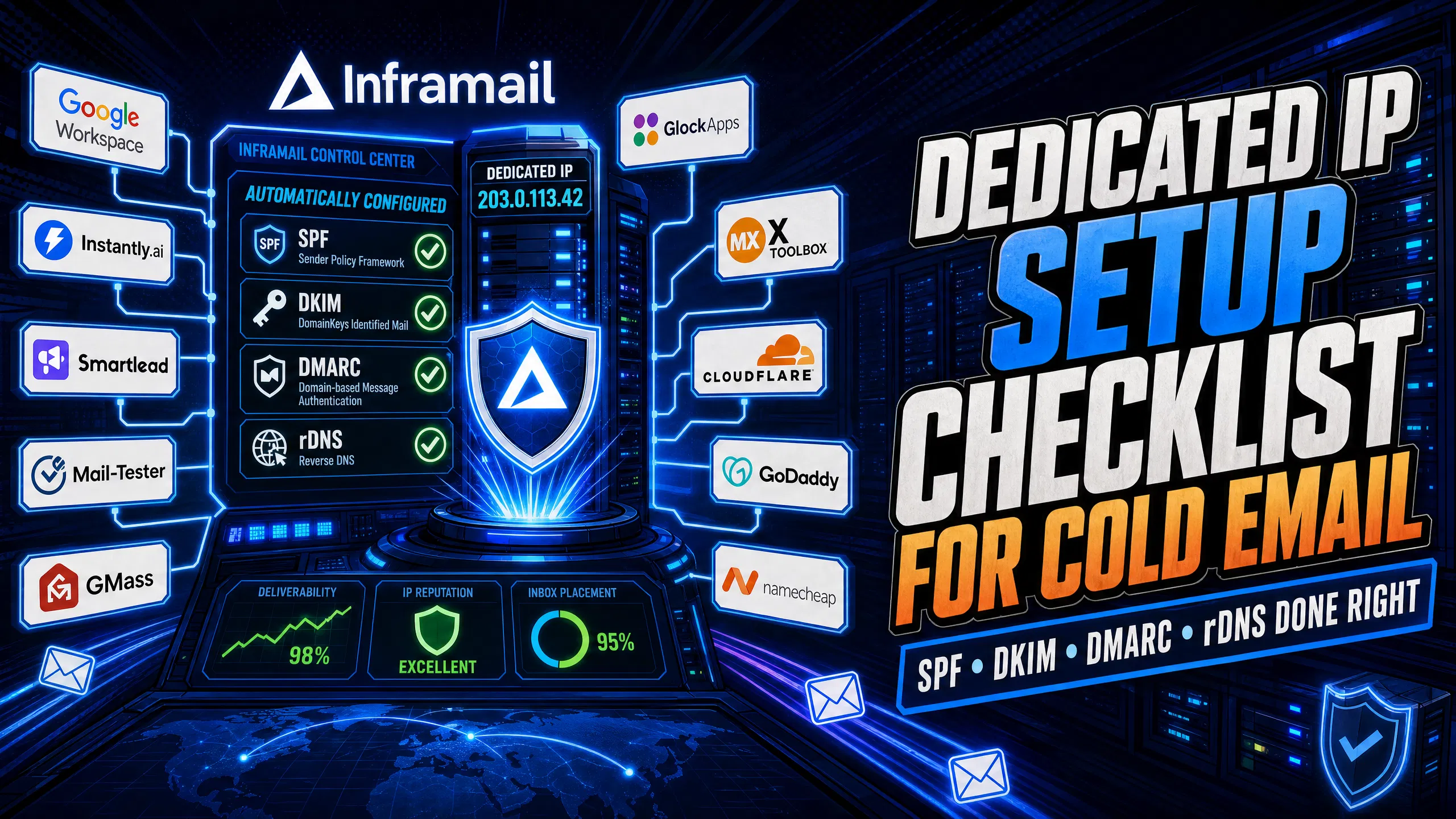
TL;DR: Configuring a dedicated IP for cold email requires strict DNS alignment across SPF, DKIM, DMARC, and rDNS. One misconfigured record or missing PTR entry causes bounces, blacklists, and inbox rate drops that kill active campaigns. Manual DNS setup across 50+ domains takes 12+ hours and introduces human error at every step. Use this checklist to configure each record correctly, and see how Inframail automates the entire process with 1 dedicated US-based IP at a flat $129/month for unlimited inboxes, or 3 dedicated IPs with the Agency Pack at $327/month.
A dedicated IP alone does not guarantee deliverability. If your reverse DNS does not match your sending domain, receiving mail servers may delay, filter as spam, or reject your messages. Most campaign managers focus on copy and targeting while the DNS layer, which determines whether emails reach the inbox at all, stays misconfigured.
Dedicated IPs give you full control over your sending reputation, but that control pays off only when every DNS record is configured correctly. With shared IP pools, reputation is pooled across all users on that range, and one sender's spam activity can damage deliverability for everyone sharing the IP. The dedicated vs. shared IP breakdown shows how reputation isolation affects deliverability in practice.
Factor | Dedicated IP | Shared IP |
|---|---|---|
Reputation control | Your behavior is the primary factor in reputation | Pooled with all users on that range |
Volume fit | Generally recommended above 50,000-100,000 emails/month | Often suitable below 50,000 emails/month |
Setup complexity | Requires SPF, DKIM, DMARC, rDNS, and IP warming | Provider-managed infrastructure, faster initial setup |
Cost (50 inboxes) | Inframail $129/month + ~$34 domains = $163/month | Google Workspace $294/month at current rates (50 inboxes × $5.88) |
Risk | Your sending behavior directly impacts your reputation | Shared reputation can be affected by other users |
For cold email at scale, detailed cost analysis shows dedicated infrastructure can outperform shared pools on both cost and reputation isolation once you reach sufficient volume with multiple active inboxes.
Before touching any DNS panel, complete these four steps. Skipping any one adds hours of troubleshooting later.
Log in to your DNS registrar (such as Namecheap, Cloudflare, or GoDaddy) and confirm edit access to all domains.
Obtain your dedicated IP address from your email infrastructure provider. Inframail assigns a dedicated US-based IP at account creation on the Unlimited Plan or Agency Pack.
Generate your DKIM public-private key pair using tools like
ssh-keygenon Linux or PuTTYgen on Windows, or use your provider's automated key generator.Record your sending subdomain (e.g.,
mail.yourdomain.com), because this hostname is what your PTR record must resolve to.
Allow 24-48 hours for DNS propagation after each change. Check propagation status with dnschecker.org or dig commands. Also confirm your IP is not already blacklisted using MXToolbox before configuring any records.
SPF (Sender Policy Framework) tells receiving servers which IP addresses are authorized to send mail from your domain. RFC 7208 defines the specification, and the 10 DNS lookup limit is where most cold email senders break their records.
For one dedicated IP address, the record format is:
v=spf1 ip4:192.0.2.0 ~allFor a subnet (CIDR block):
v=spf1 ip4:192.0.2.0/24 -allStart with ~all (soft fail) during initial monitoring while confirming for unexpected sending sources. Move to -all (hard fail) once your authorized sender list is confirmed. Per RFC 7208, SPF records should minimize DNS-querying mechanisms to avoid lookup limits. Exceeding the recommended lookup threshold can produce a PermError that fails authentication on outbound messages. Flatten nested include: statements to stay within recommended limits. Watch the SPF, DKIM, DMARC setup video to see how to structure records without hitting the lookup cap.
DKIM (DomainKeys Identified Mail) attaches a cryptographic signature to each message so receivers can verify it was not altered in transit. Generate a public-private key pair, choose a selector string (e.g., default), and create a TXT record at default._domainkey.yourdomain.com in this format:
v=DKIM1; k=rsa; p=[base64-encoded-public-key]The private key should be stored securely on your mail server and never published in DNS. The 2-minute inbox setup walkthrough shows this configuration live.
Alignment: DMARC typically uses relaxed DKIM alignment by default, which generally allows the signing domain to be a parent domain of the From header domain. Strict mode (adkim=s) typically requires an exact match. Alignment mismatches can fail DMARC authentication even when the signature itself is valid.
DMARC tells receiving servers what to do when SPF or DKIM fails. Per RFC 7489, a message passes DMARC if one or both SPF and DKIM alignment checks pass. A message fails DMARC when both SPF and DKIM alignment checks fail. A basic DMARC record looks like this (semicolons are required syntax):
v=DMARC1; p=none; rua=mailto:reports@yourdomain.com; adkim=s; aspf=s;p=none: Monitor-only mode, typically used for 30-90 days. Messages that fail DMARC are generally not blocked.
p=quarantine: Directs receiving servers to treat failing messages as suspicious, often routing them to spam, once SPF and DKIM are confirmed clean.
p=reject: Instructs receiving servers to reject failing messages at the SMTP level, typically with a 550 bounce code.
Move from p=none to p=reject only after confirming zero legitimate sending sources are failing alignment. Organizations with straightforward sending setups may complete this progression in under a year, while larger organizations with multiple sending services often require longer evaluation periods.
Reverse DNS (rDNS) is the step most campaign managers skip, and it generates the most blacklist flags. FCrDNS (Forward Confirmed Reverse DNS) is a validation method where an IP's PTR record resolves to a hostname, and that hostname's A record maps back to the same IP.
rDNS configuration steps:
Identify the sending hostname (e.g.,
mail.yourdomain.com).Contact your IP provider and request a PTR record for your dedicated IP pointing to
mail.yourdomain.com.Confirm the A record for
mail.yourdomain.compoints back to the same IP.Validate the match using
nslookup [IP_ADDRESS]ordig -x [IP_ADDRESS].
If the PTR and A record do not match, many mail servers may classify your messages as suspicious and reject them. The infrastructure monitoring guide covers blacklist monitoring and delisting workflows once your rDNS is confirmed.
If your sending domain does not receive replies, you have a few options.
MX Record Type | Use Case | Record Value |
|---|---|---|
Standard MX | Domain receives replies | Priority value, mail server hostname |
Null MX | Domain that should not send or receive mail (not for active sending domains, per RFC) | Priority 0, destination |
No MX record | Reduce backscatter for unused domains | Omit MX record entirely |
For domains used only for cold outbound that do not need to receive replies, you can omit the MX record entirely to reduce backscatter spam. The Inframail sending capacity guide helps determine how many inboxes per domain you need based on daily send volume.
Manual DNS setup for 50 domains takes 12+ hours, and a single typo wastes all of it. Inframail replaces the entire manual process by automatically configuring SPF, DKIM, and DMARC records at domain provisioning. You never open a DNS panel.
TCO comparison: Inframail vs. alternatives (50 inboxes)
Provider | 50 Inboxes Monthly | 100 Inboxes Monthly | IP Type |
|---|---|---|---|
Inframail | $163 ($129 + ~$34 domains) | $163 (flat rate) | Dedicated (1 US IP) |
Google Workspace | $294 | $588 | Provider-managed |
Warmup tool (external) | ~$15-50/month (required, not included by either provider) | ~$15-50/month (required, not included by either provider) | Third-party |
At higher inbox counts, Inframail maintains its flat $129/month platform rate. Google Workspace reaches $588/month at 100 inboxes at current rates. Against Inframail's flat $163/month, that is a $425/month difference on infrastructure alone, before accounting for warmup tools.
The Agency Pack at $327/month includes 3 dedicated US-based IPs. The Mailreef vs. Inframail comparison details cost and setup-time differences in full.
Export IMAP/SMTP credentials and connect to Instantly or Smartlead
After domains are provisioned, Inframail generates IMAP/SMTP credentials for every inbox. Download the CSV from the Update tab (see the CSV export walkthrough), then import directly into Instantly.ai or Smartlead. The Smartlead integration guide covers this.
IP warmup strategy
Dedicated IPs require a 4-8 week warmup period before reaching full inbox placement rates. Inframail does not include a built-in warmup tool, so budget for external warmup services. Start with low volume per inbox and gradually increase send volume as engagement remains high. The inbox warmup guide covers the full schedule. Users on certain DFY (Done For You) packages may receive domain warmup services.
Inframail automates SPF, DKIM, DMARC, and forwarding setup at domain provisioning, eliminating manual DNS configuration for each domain.
Once DNS is configured and propagated, run these tests before launching any sequence.
Mail-Tester.com:** Send a test message to the address generated at mail-tester.com and target a high score. Inframail domains typically score 9.5/10 on this benchmark.
GMass Spam Solver: Sends your email to 20 Gmail and Google Workspace accounts and reports inbox vs. spam rates. Target high inbox placement before sending to live prospects.
GlockApps seed list: GlockApps tests placement across Gmail, Outlook, and Yahoo simultaneously, giving you a full-spectrum view before campaigns go live.
MXToolbox blacklist check: Run your dedicated IP through MXToolbox to confirm it is not on major blacklists before sending. The Inframail spam metrics guide explains what healthy numbers look like.
When deliverability drops after launch, these are the four most common causes.
SPF PermError (too many lookups): Count every include:, a:, mx:, and exists: mechanism. If the total exceeds 10, flatten nested includes using MXToolbox SPF Record Check to reduce lookup depth.
DKIM alignment failure: Confirm the domain in your From: header matches the d= value in the DKIM signature at the appropriate alignment level (relaxed by default). A mismatch fails DMARC even when the signature itself is valid.
DMARC p=reject bounces on legitimate mail: Downgrade to p=quarantine temporarily, review aggregate reports at the rua address, and identify which sending source is failing alignment before re-escalating.
rDNS mismatch: Confirm with dig -x [IP_ADDRESS] that the PTR record resolves to the exact hostname in your A record. A mismatch can cause authentication issues. Retry the PTR request to your IP provider with the exact hostname string.
For DNS propagation delays, allow up to 48 hours after any record change before retesting. If Mail-Tester still shows old values, flush your resolver cache with ipconfig /flushdns on Windows or sudo dscacheutil -flushcache && sudo killall -HUP mDNSResponder on macOS.
The Ultimate Cold Email Infrastructure Guide covers the full infrastructure stack from domain purchase through campaign launch.
Sign up to Inframail today for automated SPF, DKIM, DMARC setup and dedicated IP provisioning at a flat $129/month for unlimited inboxes.
What is the exact SPF record syntax for a single dedicated IP?
The typical record format is v=spf1 ip4:[your.ip.address] ~all, where you replace the bracketed value with your actual dedicated IP. Many administrators start with ~all for soft fail and transition to -all for hard fail once all legitimate senders are confirmed.
How long does it take to warm up a dedicated IP for cold email?
Dedicated IPs require 4-8 weeks of gradual volume increase, starting at 50-100 emails per day and increasing as engagement remains strong. Budget for an external warmup tool, as Inframail does not include a built-in warmup feature. Compare current pricing on warmup tools before committing to a provider.
What is the cost difference between Inframail and Google Workspace at 50 inboxes?
Inframail costs $163/month at 50 inboxes ($129 platform + ~$34 amortized domains). Google Workspace costs $294/month at 50 inboxes at current rates ($5.88/user/month). That is a $131/month saving, or $1,572 annually. Check workspace.google.com/pricing for current rates, as pricing changes periodically.
How long does the DMARC policy progression from p=none to p=reject take?
Moving from p=none to p=reject requires careful monitoring of aggregate reports, per DMARC guidance for enforcement timelines. Smaller organizations with a single domain and a few sending sources may complete the progression more quickly than larger organizations with multiple sending services.
FCrDNS (Forward Confirmed Reverse DNS): A validation method where an IP's PTR record resolves to a hostname, and that hostname's A record maps back to the same IP. Receiving mail servers require this match to trust that the sending IP is legitimate.
PTR record: A DNS record that maps an IP address to a domain name, the reverse of an A record. Your IP provider or email infrastructure provider controls PTR records and must configure them on your behalf after you provide the target hostname.
DMARC alignment: The requirement that the domain in the message From: header matches either the SPF-validated domain or the DKIM-signed domain. Relaxed alignment (the default) allows parent/child domain matches, while strict mode requires an exact match.
IMAP (Internet Message Access Protocol): A protocol that allows email clients to access messages stored on a mail server. Unlike POP3, IMAP keeps messages on the server and allows multiple devices to access the same mailbox.
SMTP (Simple Mail Transfer Protocol): A protocol used to send email messages from a client to a mail server or between mail servers. SMTP credentials include a server address, port number, username, and password needed to authenticate and send outbound mail.
IP warming: The process of gradually increasing send volume from a new dedicated IP to build positive sending reputation with ISPs. Sending high volume immediately from a cold IP can cause spam folder placement or rejection before receivers see consistent legitimate engagement.