
The 5 Email Reputation Systems Cold Email Senders Must Monitor
Learn the 5 email reputation systems cold email senders must monitor, including Spamhaus, SURBL, Barracuda, Cisco Talos, and SenderScore.
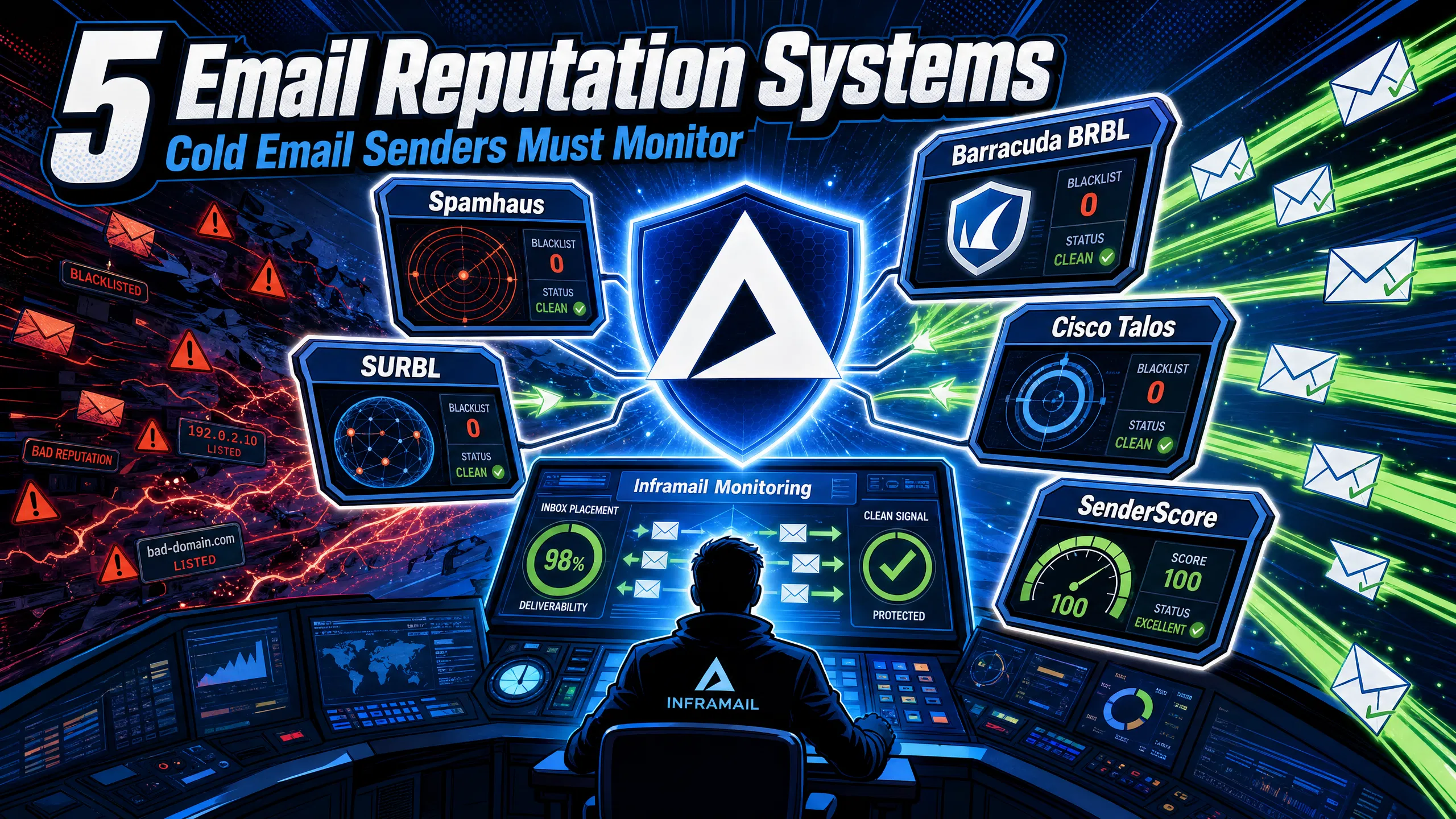
TL;DR: Five reputation databases are critical to monitor for cold email deliverability: Spamhaus, SURBL, Barracuda BRBL, Cisco Talos, and Validity SenderScore. Each measures a different layer of sender behavior, and ISPs use them independently, so a clean record on one gives you no cover on the others. Check Spamhaus and Barracuda weekly using the MXToolbox Blacklist Check as your starting point. Run SenderScore and Talos monthly as early-warning trend indicators. Treat any Spamhaus or Barracuda listing as a campaign-stop emergency, not a next-business-day task.
When you manage 50-200 cold email domains, a blacklisting event can pull delivery rates down across multiple client domains before you spot the pattern. Most campaign managers don't discover deliverability issues until open rates have already crashed, at which point client trust is already eroding. Understanding what each reputation database measures, which ISPs reference it, and how quickly a listing can damage your campaigns gives you the diagnostic framework to catch problems early and resolve them before a client notices.
The five systems below vary in data source, query method, and update frequency. Understanding how each one collects and processes data helps you prioritize the right fix when a listing appears.
1. Spamhaus
Spamhaus is the most consequential blacklist in email deliverability. A listing here causes near-total delivery failure across major providers because Gmail, Microsoft Outlook, and Yahoo all reference Spamhaus data, making a listing on any of its sub-lists a campaign-stopping emergency.
The Spamhaus network includes four primary components. The SBL (Spamhaus Block List) tracks IP addresses of known spam sources and spam operations, while the XBL (Exploits Blocklist) flags individual IPs showing signs of compromise, such as infected machines sending via botnet. The PBL (Policy Blocklist) lists IP ranges that shouldn't send email directly to the internet, typically broadband or dial-up ranges assigned by ISPs. The DBL (Domain Block List) tracks domains with poor reputations rather than IPs, targeting snowshoe spamming techniques where senders rotate through disposable domains.
The combined Zen blocklist rolls SBL, CSS (the Compromised Server Spam list, a sub-component of the SBL targeting snowshoe spam operations), XBL, and PBL into a single query, which is what most ISPs reference. Microsoft enforces a hard zero-tolerance block on Spamhaus-listed IPs. Check your IP and domain status at check.spamhaus.org every week at minimum. Inframail's infrastructure monitoring guide covers how to build this check into your weekly domain health routine.
2. SURBL
SURBL differs from every other system on this list because it evaluates what your email contains, not where it comes from. SURBL is a real-time database that tracks the reputation of domains and URLs embedded inside email bodies, damaging inbox placement even when your sending IP and domain are completely clean.
ISPs extract every URL from incoming messages and query SURBL's DNS zones before deciding whether to deliver the email, so the same sender can pass SPF, DKIM, and DMARC and still land in spam because the content points to a domain with poor URL reputation. Common causes include compromised web infrastructure where a CMS attack installs hidden redirect scripts, and affiliate links that carry the reputation history of every previous sender who used them. Fixing a SURBL listing requires remediating the root cause first because submitting a removal request before the underlying problem is resolved will not work. Pair SURBL checks with Inframail's deliverability tutorial for a practical content audit approach.
3. Barracuda BRBL
The Barracuda Reputation Block List reaches well beyond ISPs into corporate networks, universities, hospitals, and government agencies. Smaller ISPs and independent web hosts also use the free public version of the BRBL, so if you're running B2B campaigns, a significant percentage of your recipients sit behind a Barracuda system.
The BRBL operates via automated collection only. Barracuda adds no IPs manually. Spam traps (honeypot addresses created specifically to receive only spam) trigger automatic flagging the instant a send hits them. The system also draws from the installed base of Barracuda hardware appliances, where users can opt in to sharing analytical data back to the BRBL, giving it crowd-sourced intelligence at scale. For cold email senders using purchased or infrequently cleaned lists, spam trap exposure is a near-certainty over time.
Barracuda also treats domains registered hours before a campaign launch as critical threat signals by default, so warm new domains for at least 14 days before production sends. Barracuda handles delisting requests manually and typically investigates within 12 hours if a valid explanation is provided. Inframail's dedicated IP guide explains how isolated infrastructure reduces your exposure to inherited BRBL listings from shared-pool contamination.
4. Cisco Talos Intelligence
Talos pulls from daily security intelligence across millions of deployed web, email, firewall, and IPS appliances. It generates a granular reputation score ranging from -10 (worst) to +10 (strongest) for every tracked IP. Where Spamhaus and Barracuda operate as binary blacklists, Talos provides a sliding score that influences filtering thresholds at Cisco-powered email gateways rather than triggering a universal hard block.
Poor Talos scores reflect spam complaint history, DNS patterns indicating botnet compromise, and authentication misconfigurations like HELO/PTR mismatches. A "Poor" classification often correlates with delivery failures at Cisco-secured enterprise mail gateways, which B2B outbound campaigns target heavily. Check your IP's current classification at the Talos Reputation Center. The Inframail SPF/DKIM/DMARC setup video covers the authentication configuration that Talos rewards with better reputation scoring.
5. Validity SenderScore
SenderScore works like a credit score for your sending IP. Validity assigns a number from 0 to 100 based on a rolling 30-day window, comparing your sending behavior against all other tracked IPs in the network. A score of 85 means your IP outperforms 85% of tracked IPs. Scores above 80 signal good deliverability, and scores below 70 point to serious inbox placement problems.
The score factors in email delivery rates, spam complaints, unknown user rates (5xx errors from non-existent or abandoned addresses), and the volume of mail rejected during the SMTP conversation. Validity calculates SenderScore as a third-party diagnostic estimate from their data network, a cooperative of 80-plus mailbox and message security providers, not directly from Gmail, Outlook, or Yahoo. Use it as a trend indicator rather than a definitive delivery guarantee. Check your current score at senderscore.org, and run monthly checks to spot downward trends before they escalate into active listings on harder systems.
Checking one or two systems periodically is not enough when you're managing 50 or more domains across multiple client accounts. The practical monitoring stack for agency-scale operations looks like this:
Weekly, every Monday before sends begin: Run all active sending IPs and domains through MXToolbox Blacklist Check, which queries 100-plus DNS-based blacklists simultaneously. Red results require immediate delisting action with the specific provider.
Weekly: Check Spamhaus and Barracuda status for your primary dedicated IPs. A Spamhaus listing requires you to stop all sending from that IP immediately before initiating the delisting process.
Monthly: Run SenderScore and Talos reputation checks, and audit SURBL across your active domain pool. These systems trend slower and serve as early-warning indicators rather than emergency signals.
Pre-campaign launch: Run Mail-Tester on new domains before activating sequences. Inframail's automated DNS setup delivers a 9.5/10 Mail-Tester score on tested domains, which reflects correctly configured SPF, DKIM, and DMARC from the infrastructure level.
When you find a listing, fix the root cause before requesting removal. Submitting a delisting request without addressing the underlying issue triggers escalation penalties on Spamhaus, which can extend recovery from 24 hours to a permanent block requiring ISP intervention. For most major lists, a valid delisting request processes within 24 to 72 hours after you resolve the root cause.
Blacklist recovery timeline: what to expect
Recovery has two distinct phases and confusing the two leads teams to declare victory too early. The first phase is technical delisting: Spamhaus SBL removals process within 24 to 72 hours after a successful manual request, while Barracuda typically investigates within 12 hours. The second phase is inbox placement recovery, which moves much slower.
Here's a realistic recovery sequence for a Barracuda BRBL listing caught during a weekly Monday check:
Day 0: MXToolbox flags the listing. Sending from that IP pauses immediately.
Day 1: Root cause identified (spam trap hit from stale list segment). List cleaned, Barracuda delisting request submitted with documented explanation.
Day 2-3: Technical delisting confirmed via Barracuda lookup tool.
Week 2-4: Gradual inbox placement recovery as ISPs update their local reputation caches. SenderScore begins climbing back toward the pre-listing baseline.
Full deliverability recovery, meaning inbox placement rates returning to pre-listing levels, takes 3 to 6 months for typical domain reputation rebuilding. Severe events can extend that to 6 to 12 months, which is why catching issues in week one rather than week four matters so much.
How Inframail identifies blacklist triggers
Inframail's blacklist monitoring dashboard checks your dedicated IPs against Spamhaus, Barracuda, SURBL, and multiple additional DNSBLs automatically. When the system detects a listing, it logs the timestamp, identifies the domain associated with the flag, and auto-submits delisting requests for common providers. You receive an alert when a listing is detected. Because Inframail's Unlimited plan ($129/month) and Agency Pack provision dedicated US-based IPs rather than shared pools, your sending reputation stays isolated from other users, which eliminates one of the most common triggers for inherited Barracuda and Spamhaus listings.
"Inframail has been absolute gold in terms of delivering a great customer experience, and allowing me to spin up cold email infrastructure at scale for my clients as easily and fast as possible." - Verified user review of Inframail
When you're managing 50-200 domains across multiple client accounts, blacklist exposure becomes a margin risk, not just a deliverability problem. Inframail's dedicated IP infrastructure (1 IP on the Unlimited plan, 3 IPs on the Agency Pack) isolates your sending reputation from shared-pool contamination, which eliminates one of the most common triggers for inherited Barracuda and Spamhaus listings. At $129/month flat-rate pricing, you get automated blacklist monitoring across Spamhaus, Barracuda, SURBL, and multiple additional DNSBLs, plus an alert when a listing is detected. Sign up to Inframail and get started today.
Which of these 5 systems causes the most severe delivery failures?
Spamhaus causes the most widespread delivery failures because Gmail, Outlook, and Yahoo all reference its data, making a listing a near-total campaign block rather than a partial filtering penalty. Treat any Spamhaus SBL or DBL listing as an immediate send stop.
Can you pass Spamhaus and still land in spam?
Yes. SURBL evaluates the URLs inside your email body, not your sending IP or domain, so a sender with a clean Spamhaus record and valid SPF/DKIM/DMARC can still fail inbox placement if the email body contains a domain flagged in SURBL.
How often should agencies check these reputation systems?
Check Spamhaus and Barracuda weekly using MXToolbox, and run SenderScore and Talos checks monthly. Audit SURBL before any new campaign template goes live. For high-volume operations, paid MXToolbox monitoring checks every 4 hours and alerts you before clients notice a deliverability drop.
How long does it take to recover deliverability after a delisting?
Technical delisting from Spamhaus SBL takes 24 to 72 hours after a successful manual request, and Barracuda typically processes within 12 hours. Full inbox placement recovery takes 3 to 6 months for typical domain reputation rebuilding, or 6 to 12 months after severe blacklisting events.
Does having dedicated IPs reduce blacklist risk?
Dedicated IPs mean your sending behavior alone determines your reputation on Barracuda, Talos, and SenderScore. With shared IP pools, one bad actor on the same range can trigger a BRBL listing that affects all senders sharing that IP regardless of your individual practices.
DNSBL (DNS-based Block List): A real-time database queried via DNS that returns whether a given IP address or domain is flagged as a spam source.
SBL (Spamhaus Block List): The Spamhaus sub-list tracking IP addresses of known spam operations, updated continuously by the Spamhaus team.
SURBL: A real-time database tracking domains and URLs found inside email bodies, evaluated independently of the sender's IP reputation.
SenderScore: A 0-to-100 rolling score from Validity that estimates your sending IP's reputation relative to all other IPs in Validity's data network of 80-plus providers.
Spam trap: An email address created specifically to receive spam with no legitimate use, used by Barracuda and Spamhaus to detect senders using bad lists or overly aggressive sending volumes.
Delisting: The process of requesting removal from a blacklist after fixing the root cause of the listing. Requesting delisting before resolving the underlying problem extends recovery time significantly.